Bredo / Guides / Handing footage to an editor
How to hand off footage to an editor on another Mac
Give the editor one folder that holds everything: the footage laid out by day and camera, timelines that name each clip by its path from that folder, a contact sheet, a read-me and a hash list. Copy it to a drive and hand the drive over. It opens on their Mac as it opened on yours, and nobody spends the first morning relinking.
Why a folder of clips is not enough
The usual hand-off is a drive with a folder of camera files on it. The editor gets
C0001.MP4 to C0412.MP4 and none of what you knew: which takes were good,
which day they were shot, which camera shot what. They start the sorting again from scratch.
Sending a timeline along does not fix it on its own. A timeline exported from your Mac points
at the files where they sit on your drives, a path like /Volumes/Footage A/2026/,
and that path does not exist on the editor's Mac. Every clip opens offline and has to be relinked
by hand.
The fix is to put the footage and the timelines in the same folder, and have the timelines name each clip by its path from that folder. Then the folder can go anywhere, under any name, and still open.
What goes in the folder
- Media. The camera files, in a folder per day with a folder per camera inside, keeping the camera's names so they still match the sound report.
- Timelines. An FCPXML for Final Cut Pro and DaVinci Resolve, an XML for Premiere Pro, and an OTIO file for Resolve and most other tools. The good takes arrive marked.
- A contact sheet. A PDF with every clip at a glance, for the editor who wants to see the lot before opening anything.
- A read-me. A short text file: what is inside and how to open it in each editor.
- A hash list. An ASC MHL of every file, so the editor can check nothing changed on the way.
The routine, in order
- Pick what goes. Go through the shoot first. Hand over the kept clips, or the whole shoot if the editor wants to choose, and leave out what you marked as not worth using.
- Lay the media out by day and camera. One folder for the job, a Media folder inside it, then days, then cameras.
- Write the timelines with paths from the folder. Not from your drive.
- Add the contact sheet and the read-me. At the top, where they are seen first.
- Write the hash list and check the copy. Read every file back before the drive leaves your desk. What a checked copy proves has the detail.
- Send the folder on a drive. Rename it or move it as you like. The timelines still find the footage.
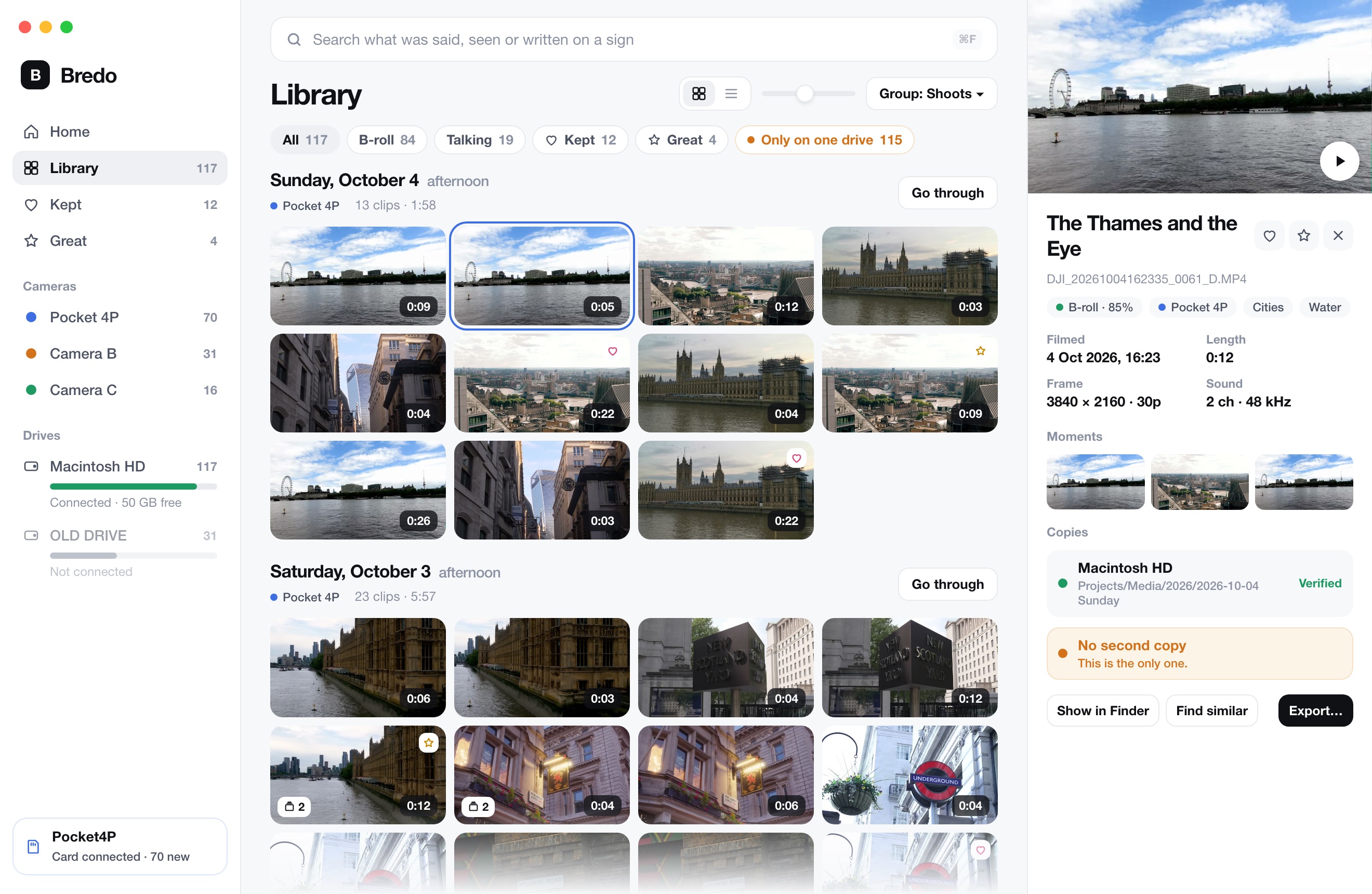
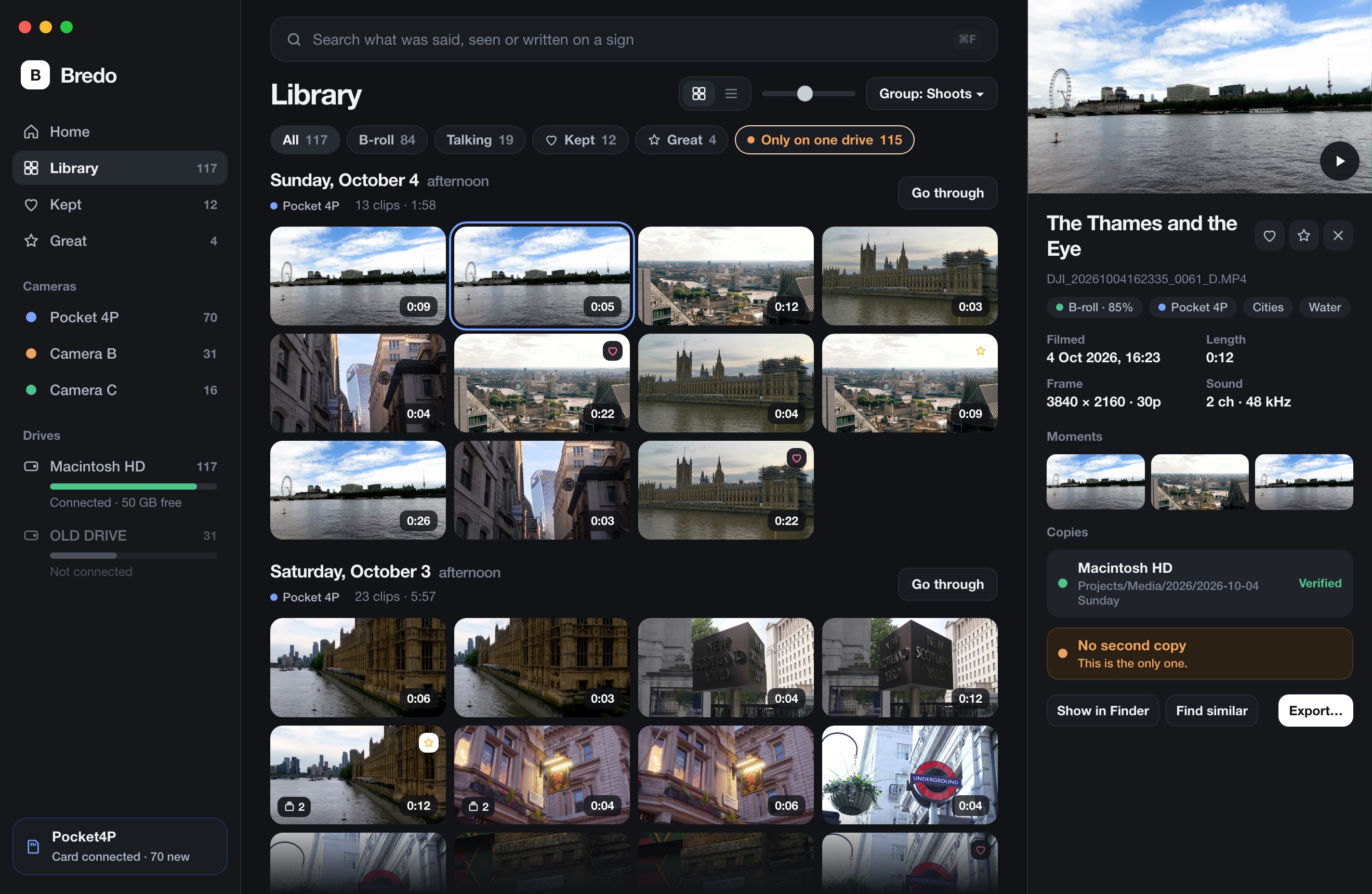
The whole folder, from one command
Pick the clips in Bredo and choose Hand Off…. Bredo copies them into one folder, checked, by day and camera, and writes the three timelines, the contact sheet, the read-me and the ASC MHL beside them. Clips marked Don't Use stay out unless you ask for them, and a clip on a drive that is not connected is counted and left out rather than holding everything up.
Small copies for a laptop edit
Some editors cut on a laptop with no room for the camera files. For them, put small copies of the footage in their own folder beside the media, laid out the same way and named to match. They edit with the small copies and relink to the originals before the final export, which is one step when the names line up. Bredo includes its own small copies when you tick the box, and the read-me explains the relink.
Names, and who gets to choose them
Editors usually want the camera's file names, because those match the sound report and the
slate. If you renamed clips while going through them, the names can travel in the timelines
instead, so the editor sees "Drone over the fjord" in the browser while the file on disk is still
C0003.MP4. Bredo can also name the copied files by the names you gave them, if the
editor would rather have that.
If the editor works on your own Mac, you do not need a hand-off at all. Send a timeline that points at the originals where they are. Getting clips into Final Cut or Premiere covers that.
Questions
Why does the editor have to relink every clip?
Because the timeline you sent points at the files where they sat on your Mac, a path like /Volumes/Footage A/2026, and that path does not exist on theirs. A timeline that names each clip by its path from the folder it sits in opens wherever that folder goes.
Should I send the camera files or small copies?
The camera files, always, because that is what the final export is made from. Add small copies beside them when the editor cuts on a laptop, named to match the originals so switching back is one relink.